

meta data for this page
- en
- ko
Check In/Out
In the International Section, all staff, secondary students, and parents are required to check in and out at one of the attendance kiosks when entering or leaving the school.
Five kiosks have been set up at the entrance of the school. Each kiosk's screen indicates whether it is set for Check In or Check Out. When entering the school, staff and students should scan the barcode on their ID cards at a Check In kiosk. Similarly, when leaving, they should scan their barcode at a Check Out kiosk.
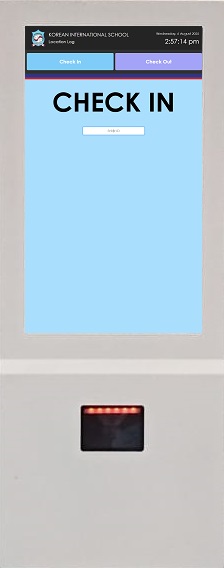
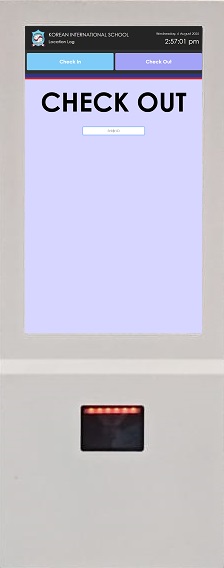
Staff and students also have the option to use a digital ID, accessible at:
KIS Digital ID
For staff, the check-in/out data is used by Human Resources to track attendance accurately. For students, this information is accessible to teachers, enabling them to monitor student movements throughout the day. Additionally, Department Heads can view attendance records for individuals they manage, ensuring effective oversight and support.
You can access the attendance reports generated by the system using the link below:
Check In/Out Reports